Widgets / Stream pets
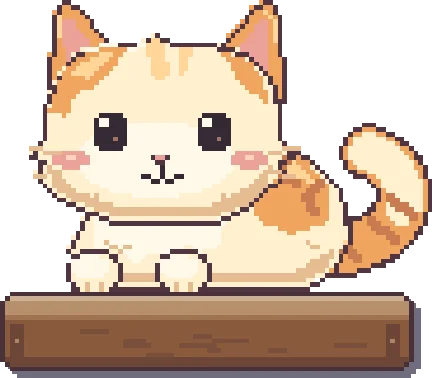
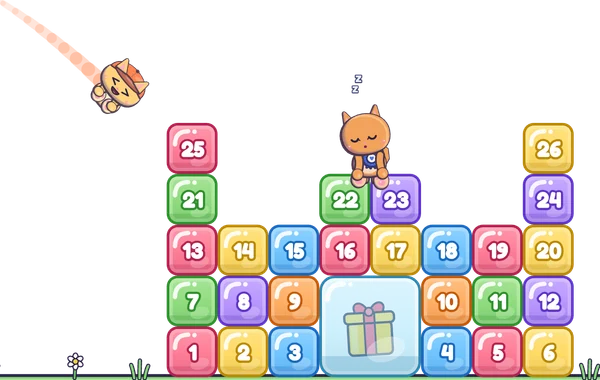
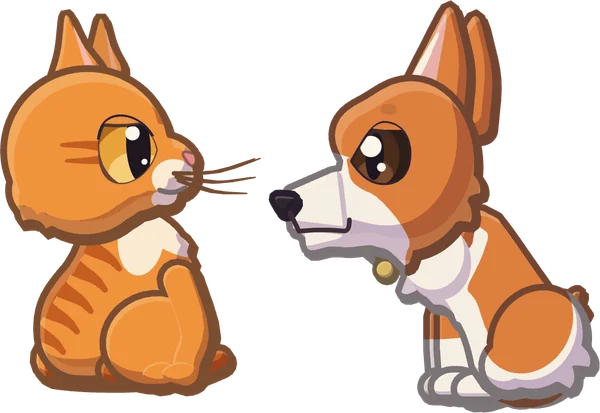
Every chatter gets their own cat or corgi, and it lives on your real layout: on top of your webcam, along your own chat and around your game. What a viewer says pops up over their pet, and it answers: a hello gets a wave, a laugh a roll onto its back. The cats climb your frames and push things off ledges, the corgis sploot and wear whatever falls on them, and 30 chat commands set off pranks between them. On Twitch and Kick.
The listing is on its way
Loading the live demo…
Add a box
Drag any box or prop on the stream to move it, or pull a corner of the one you picked to resize it. The pets walk wherever you put them.
Start again
In START HERE you line the boxes up over a screenshot of your own stream, and the widget keeps your layout.
To climb and nap on
Press one to drop it in, or to send a pet to the one already there, and watch what it is for. Drag it anywhere on the stream.
To play with
Start over on the Arrange tab takes them away again.
Who lives on your stream
Every chatter gets a pet of their own, and a name always comes back as the same pet.
Corgis can't climb, so with only corgis the extra ones wait on top of your boxes. Pet stairs give them more room.
Pet size
Preview the pets
The settings panel's button: a few chatters, a follow, a sub, a gift, a cheer and a raid over about 25 seconds.
Chatting as
Your pet
A first message brings that viewer's pet in, and what they say pops up over it.
Knock-offs
Cat and corgi moments
Pranks share a 20 second rest; you and your mods skip it.
You and your mods
Big scenes, sent by clove, your mod.
The hype ride
A box sled collects pets along the floor, runs up the pet stairs and throws its riders off the end.
On stream a rush of subs, gifts and cheers starts it by itself.
The real widget on a practice stream. Nothing here reaches your channel.
Everything it does
What you download
Coming soon to Etsy
- The widget for StreamElements. Add it as a custom widget, then show it in OBS Studio or Streamlabs Desktop as a 1920 × 1080 browser source. Works on Twitch and Kick. It is the pets and their props: they read your chat, and you keep your own chat overlay.
- A START HERE guide. The same practice stream as this page, over a screenshot of your own stream if you like: line up the boxes, place props, pick your pets, then copy the four files. About 5 minutes, no coding.
- 30 chat commands, every alert and 11 props. Pet commands, cat and corgi pranks and big scenes for you and your mods, each with its own setting for who can use it; a scene for every alert and the hype ride; cat trees, pet stairs, boxes and more to place.
- Help if you get stuck. Message us on Etsy; we answer every message ourselves.